
Spring Framework เคยมีเครื่องมือหลักอย่าง RestTemplate สำหรับการเรียก HTTP client-side แต่ในยุค Reactive Programming การใช้ WebClient ซึ่งเป็น non-blocking web client จึงกลายเป็นมาตรฐานใหม่ที่ Spring แนะนำ โดยเฉพาะใน Spring WebFlux
📌 ทำไมถึงควรเลิกใช้ RestTemplate?
- Blocking I/O: RestTemplate ทำงานแบบ synchronous และ block thread
- ไม่เหมาะกับ WebFlux: ไม่สามารถผสมกับ reactive flow อย่าง Flux/Mono ได้
- Deprecated: Spring แนะนำอย่างชัดเจนว่า WebClient จะมาแทนที่ในอนาคต
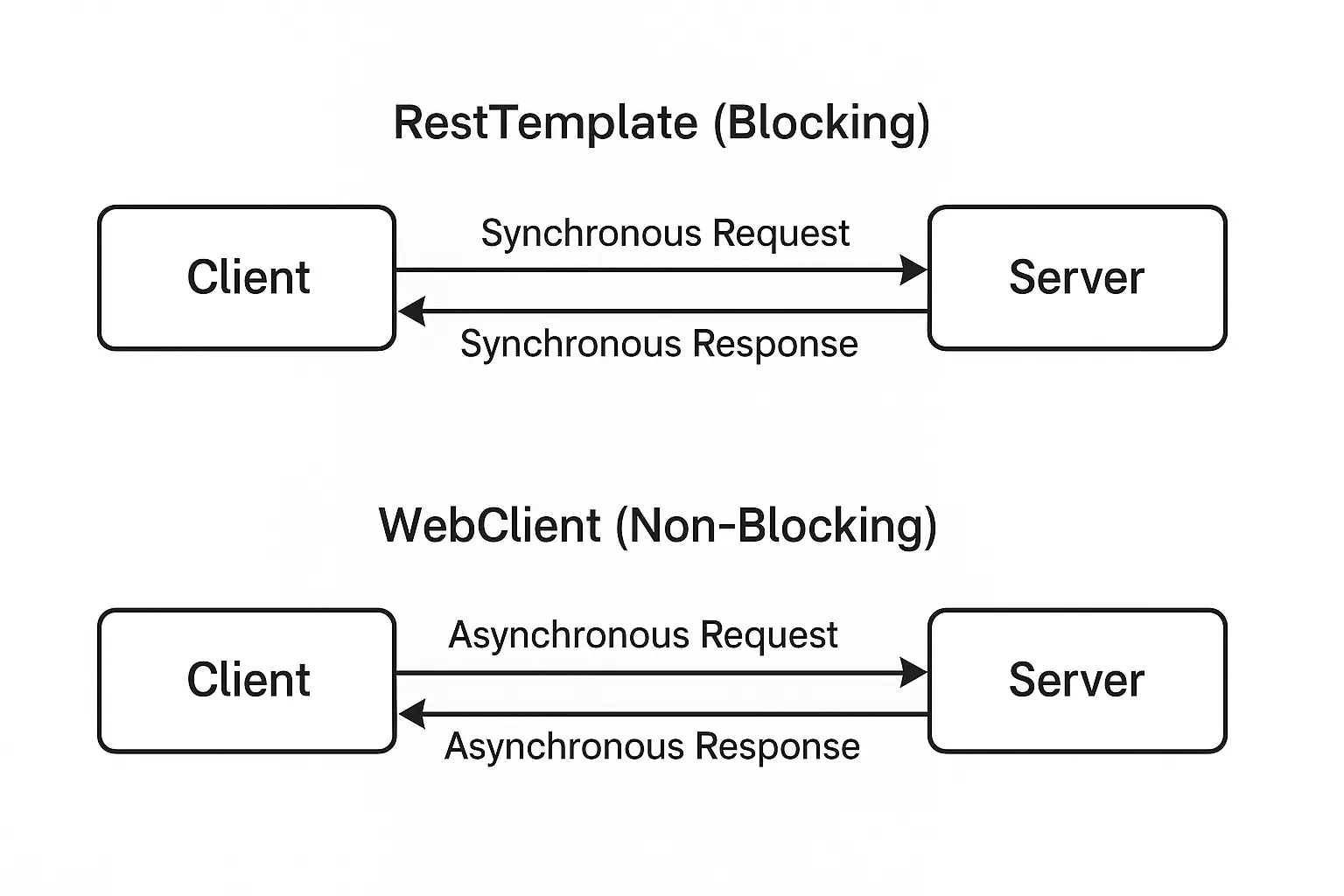
🧠 WebClient คืออะไร?
WebClient เป็น HTTP client ที่เป็นส่วนหนึ่งของ Spring WebFlux สามารถใช้ได้ทั้งใน reactive application และ non-reactive
การสร้าง WebClient
WebClient webClient = WebClient.builder()
    .baseUrl("https://api.example.com")
    .defaultHeader(HttpHeaders.CONTENT_TYPE, MediaType.APPLICATION_JSON_VALUE)
    .build();
การเรียก GET แบบง่าย
Mono<String> response = webClient.get()
    .uri("/hello")
    .retrieve()
    .bodyToMono(String.class);
การ POST แบบมี body
Mono<MyResponse> response = webClient.post()
    .uri("/data")
    .bodyValue(new MyRequest("value"))
    .retrieve()
    .bodyToMono(MyResponse.class);
📊 ตารางเปรียบเทียบ WebClient vs RestTemplate
| หัวข้อ | RestTemplate | WebClient |
|---|---|---|
| รูปแบบ | Blocking | Non-blocking |
| รองรับ Reactive | ไม่รองรับ | รองรับ |
| รองรับ WebFlux | ไม่รองรับ | เหมาะสม |
| Streaming | ไม่ดี | ดี |
| สถานะในอนาคต | Deprecated | แนะนำ |
🔄 การแปลงโค้ดจาก RestTemplate → WebClient
RestTemplate แบบเก่า
RestTemplate restTemplate = new RestTemplate();
String result = restTemplate.getForObject("https://api.example.com/hello", String.class);
WebClient แบบใหม่
WebClient webClient = WebClient.create("https://api.example.com");
String result = webClient.get()
    .uri("/hello")
    .retrieve()
    .bodyToMono(String.class)
    .block(); // ใช้ block ใน context ปกติ
⚠️ คำแนะนำในการใช้ WebClient
- อย่าใช้
.block()หากอยู่ใน reactive context - ใช้
onStatusและdoOnErrorเพื่อจัดการ error - ควรกำหนด connection pool หากรันบน production
🎯 การจัดการ Error อย่างเหมาะสม
webClient.get()
    .uri("/users/1")
    .retrieve()
    .onStatus(HttpStatus::is4xxClientError,
        response -> Mono.error(new RuntimeException("Client error")))
    .onStatus(HttpStatus::is5xxServerError,
        response -> Mono.error(new RuntimeException("Server error")))
    .bodyToMono(User.class);
💡 การตั้งค่า Bean WebClient ด้วย Spring Boot
@Configuration
public class WebClientConfig {
    @Bean
    public WebClient webClient(WebClient.Builder builder) {
        return builder
            .baseUrl("https://api.example.com")
            .defaultHeader(HttpHeaders.ACCEPT, MediaType.APPLICATION_JSON_VALUE)
            .build();
    }
}
🧪 ทดสอบ WebClient ใน Unit Test
@ExtendWith(SpringExtension.class)
@SpringBootTest
public class MyServiceTest {
    @MockBean
    private WebClient webClient;

    @Autowired
    private MyService myService;

    @Test
    void testFetchUser() {
        // mock logic
    }
}
📌 สรุป
- WebClient คือตัวเลือกใหม่ที่ดีกว่าในยุค Reactive
- สนับสนุน async, non-blocking และทำงานร่วมกับ Flux/Mono
- เหมาะสำหรับแอปที่ต้องการ scalability สูง
🔍 คำค้น SEO
WebClient กับ RestTemplate, Spring WebFlux WebClient, Spring WebClient ใช้ยังไง, แทนที่ RestTemplate, Java HTTP client ใหม่, Reactive Programming Spring, Mono Flux ตัวอย่าง, WebClient vs RestTemplate